
How to Spot Fake OnlyFans Profiles: Protect Yourself from Scams | FanClubOnly

Social Media Strategist and Creator Growth Consultant
Fake OnlyFans Accounts Are Everywhere
For every legitimate OnlyFans creator, there are scammers trying to steal money by impersonating them or creating entirely fake personas.
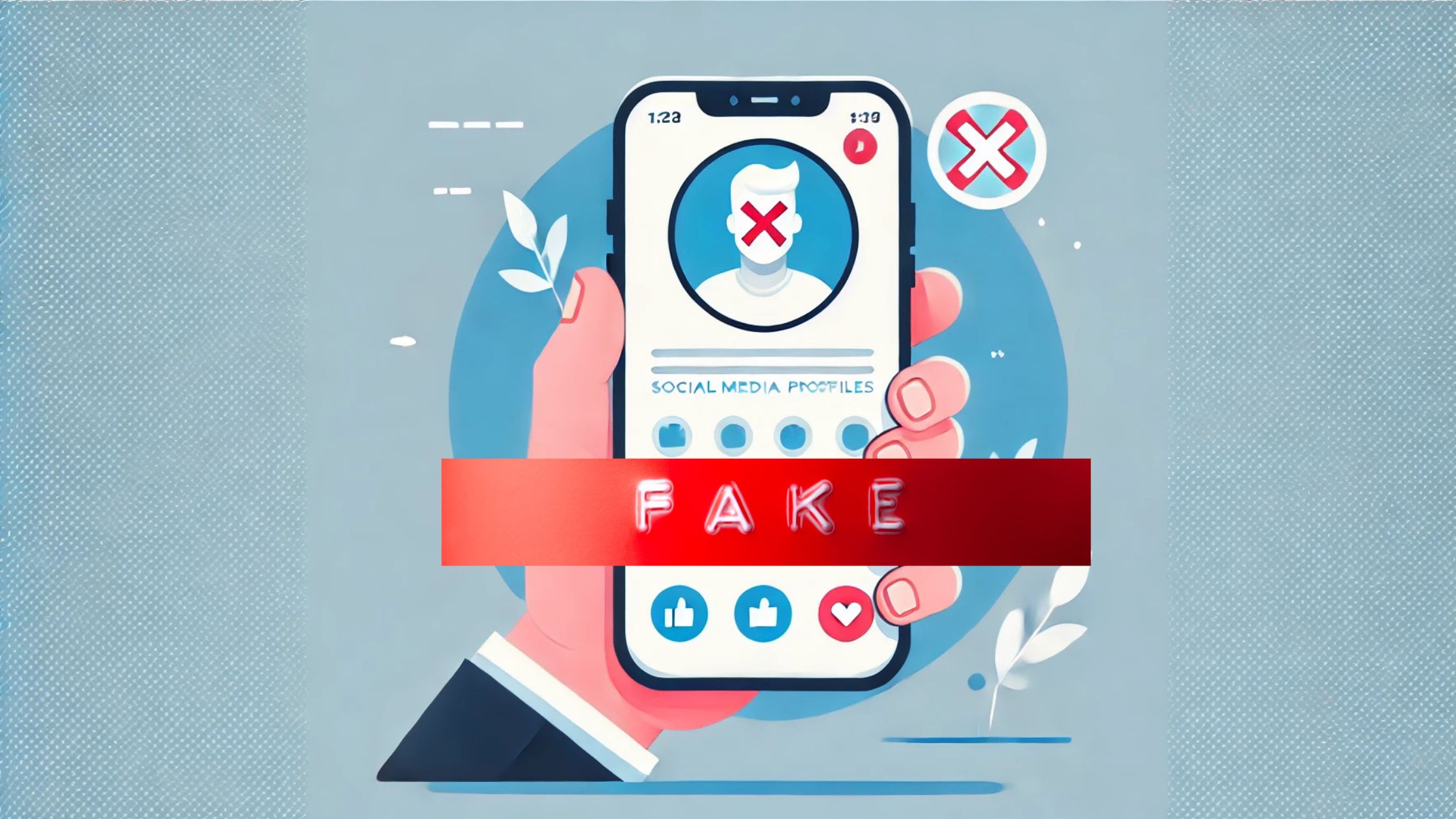
Common scams include:
- Catfish accounts using stolen photos
- Impersonator accounts pretending to be celebrities
- Inactive accounts that take payment but never post
- Phishing links that steal your payment info
This guide teaches you how to verify OnlyFans creators are real before you subscribe.
10 Red Flags of Fake OnlyFans Accounts
🚩 1. Username Doesn't Match Other Platforms
Legitimate creators use consistent usernames across platforms.
Red flag: OnlyFans username is different from their Instagram/Twitter/TikTok.
Example:
- Instagram: @jessica_model
- OnlyFans: jessica_model_real_backup_2
The extra words ("real," "backup," "official2") often indicate impersonator accounts.
How to verify: Search the creator's verified social media for their actual OnlyFans link.
🚩 2. Profile Claims to Be a Celebrity
Fake accounts impersonate celebrities constantly.
Red flag: Account claims to be a famous person but:
- Isn't verified (no blue checkmark)
- Has low subscriber count
- Uses photos from Google Images
- Price is unusually low for a celebrity
How to verify: Check the celebrity's official social media for their real OnlyFans link.
🚩 3. No Verification Badge
OnlyFans verifies creators through ID submission. Look for verification indicators.
Red flag: Creator claims to be verified but has no verification badge on profile.
🚩 4. Stolen Photos (Reverse Image Search)
Catfish accounts steal photos from other creators or models.
Red flag: Profile pictures appear on multiple different accounts or websites.
How to verify:
- Right-click profile picture
- Select "Search image with Google" (or use TinEye)
- If photos appear on different accounts = likely fake
🚩 5. No Recent Activity
Scam accounts often stop posting after initial setup.
Red flag:
- Last post was months ago
- Very few total posts (under 10)
- No stories or updates
How to verify: Check post count and dates before subscribing. Active creators post at least weekly.
🚩 6. Too Good to Be True Pricing
Suspiciously low prices can indicate scams.
Red flag:
- Celebrity charging $1/month
- "Verified" model offering free subscription with promises
- Huge discount for long subscriptions upfront
Reality check: The average OnlyFans subscription is $7-15. Celebrities charge $10-50.
🚩 7. Aggressive DMs Before You Subscribe
Scammers often reach out first.
Red flag:
- DM promising exclusive content if you subscribe
- Unsolicited links to "special" OnlyFans pages
- Requests to pay outside OnlyFans (PayPal, Cash App, crypto)
How to protect yourself: Never pay outside OnlyFans. Never click suspicious links.
🚩 8. Requests Payment Outside OnlyFans
This is always a scam.
Red flag:
- "Send $50 to my Cash App for exclusive content"
- "Pay via PayPal for discount"
- "Use this crypto wallet for special access"
Why it's a scam: OnlyFans provides payment protection. Outside payments have zero protection-you'll never get content or refunds.
Rule: Never pay for OnlyFans content outside the OnlyFans platform.
🚩 9. Generic/Copied Bio
Scammers often copy bios from real creators.
Red flag:
- Bio text appears on multiple accounts
- Generic descriptions with no personality
- Bio doesn't match the photos/content type
🚩 10. No Social Media Presence
Legitimate creators promote across platforms.
Red flag:
- No Instagram, Twitter, or TikTok links
- Social media links go to unrelated/empty accounts
- Can't find them anywhere except OnlyFans
Verification Checklist (Before Subscribing)
Use this checklist before paying for any OnlyFans subscription:
Identity Verification
- ☐ Username matches across platforms
- ☐ Profile picture appears legitimate (passed reverse image search)
- ☐ Bio details are consistent with social media
- ☐ Age/location claims are believable
Activity Verification
- ☐ Account has recent posts (within last week)
- ☐ Reasonable post count (50+ for established creators)
- ☐ Content previews look authentic
- ☐ Active engagement in comments/messages
Cross-Platform Verification
- ☐ Found creator on Instagram/Twitter/TikTok
- ☐ Social media links to THIS OnlyFans account
- ☐ Following count makes sense for claimed popularity
- ☐ Other users mention/tag this account
Red Flag Check
- ☐ No requests for payment outside OnlyFans
- ☐ No suspicious discount offers
- ☐ Price is reasonable for content type
- ☐ No pressure tactics or urgency
How to Reverse Image Search
Reverse image search is the fastest way to catch catfish.
Method 1: Google Images
- Right-click on the profile picture
- Select "Search image with Google"
- Check if image appears on other sites/accounts
Method 2: TinEye
- Go to tineye.com
- Upload the image or paste URL
- See where else the image appears online
What Results Mean
Clean result: Image only appears connected to this creator = likely legitimate
Multiple accounts: Image appears on different OnlyFans/social accounts = catfish
Stock photo site: Image is from stock photos = definitely fake
Different name: Image associated with different person = impersonator
Common OnlyFans Scams to Avoid
Scam 1: The Impersonator
How it works: Scammer creates account using celebrity/influencer photos, charges low price, collects subscriptions, posts nothing.
Protection: Verify through celebrity's official social media.
Scam 2: The Catfish
How it works: Fake account uses stolen photos from real person. May chat and build relationship, then ask for money outside platform.
Protection: Reverse image search before subscribing.
Scam 3: The Abandoned Account
How it works: Creator sets up account, posts a few times, abandons it but keeps collecting subscriptions.
Protection: Check last post date and posting frequency before subscribing.
Scam 4: The Phishing Link
How it works: DM or social post contains link to fake OnlyFans login page that steals your credentials.
Protection: Only log in at onlyfans.com. Never click login links from DMs.
Scam 5: The External Payment
How it works: Scammer asks for payment via PayPal/Cash App/crypto promising exclusive content, then disappears.
Protection: Never pay outside OnlyFans. Ever.
How to Report Fake Accounts
On OnlyFans
- Go to the fake profile
- Click the three dots (menu)
- Select "Report"
- Choose reason: "Impersonation" or "Scam/Fraud"
- Provide details and evidence
On Social Media
Report impersonation on the platform where they're promoting:
- Instagram: Report → Impersonation
- Twitter: Report → Impersonation
- TikTok: Report → Pretending to be someone
What to Do If You've Been Scammed
Step 1: Stop Further Payments
- Cancel subscription immediately
- Remove payment method from OnlyFans
- Change password if credentials may be compromised
Step 2: Document Everything
- Screenshot the fake profile
- Save any DM conversations
- Note dates and amounts paid
Step 3: Report the Account
- Report to OnlyFans
- Report on social media platforms
- Report to FTC if significant amount
Step 4: Dispute Charges
- Contact your bank/credit card
- Explain fraudulent charges
- Request chargeback
- Provide documentation
FAQ
How do I know if an OnlyFans account is real?
Verify through cross-platform checks: matching usernames, reverse image search, social media verification, and recent posting activity.
Can you get scammed on OnlyFans?
Yes, through fake accounts, catfish profiles, impersonators, and phishing links. Always verify before subscribing.
Does OnlyFans verify creators?
OnlyFans requires ID verification for creators to receive payments. However, scammers can still create accounts with fake/stolen documents.
What if I subscribed to a fake account?
Cancel immediately, report the account, document evidence, and request a chargeback from your bank if appropriate.
Is it safe to give OnlyFans my credit card?
OnlyFans uses secure payment processing. The risk is subscribing to scam accounts, not payment security itself.
Safe Browsing: Verified Creator Directory
Browse our directory of verified active creators:
Verified Creators →
Browse by Category →
Trending Creators →
Related Articles